
Guides · Playing & AFK
Staying Online & AFK
If the app disconnects when you switch apps or lock your screen, the right setup depends on whether you are on Android, on iPhone/iPad, or using ChatCraft Computer.
Android: The app disconnects when it’s in the background?
1. Acquire wakelock and keep the phone awake
When you connect to a server, open the server menu and choose Connect and keep phone awake (or enable AFK mode in settings). Keeping the phone awake uses significant battery, so keep your phone plugged into a charger during long sessions.
2. Lock the app in the recent app menu
Many Android manufacturers aggressively kill background apps to save battery. Open your recent apps switcher, find ChatCraft, and lock it (or pin it) so the system does not sweep it away when you clear memory.
3. Follow the Solution for Users on Don’t Kill My App
If your device (especially Samsung, Xiaomi, OnePlus, Huawei, or Oppo) still closes ChatCraft in the background, disable battery optimization for ChatCraft and follow the device-specific steps at dontkillmyapp.com.
4. Android’s 6-hour foreground service limit
Modern Android versions stop a foreground service after about 6 hours in the background. When that happens, ChatCraft shows a notification — reopen the app to reconnect and continue, or switch to ChatCraft Computer for uninterrupted 24/7 sessions.
5. AFK mode and Pro staying-online tools
With ChatCraft Pro, you can turn on AFK mode with a single switch. AFK mode enables:
- Auto-reconnect after kicks, restarts, or network drops (default 10-second delay)
- Anti-AFK move (steps one way and back every two minutes)
- Automatic respawn if your character dies
- Connected and health notifications
- Disconnect on low health below 4 hearts (configurable 1–9 hearts; takes priority over automatic respawn)
- Keep the phone awake while connected
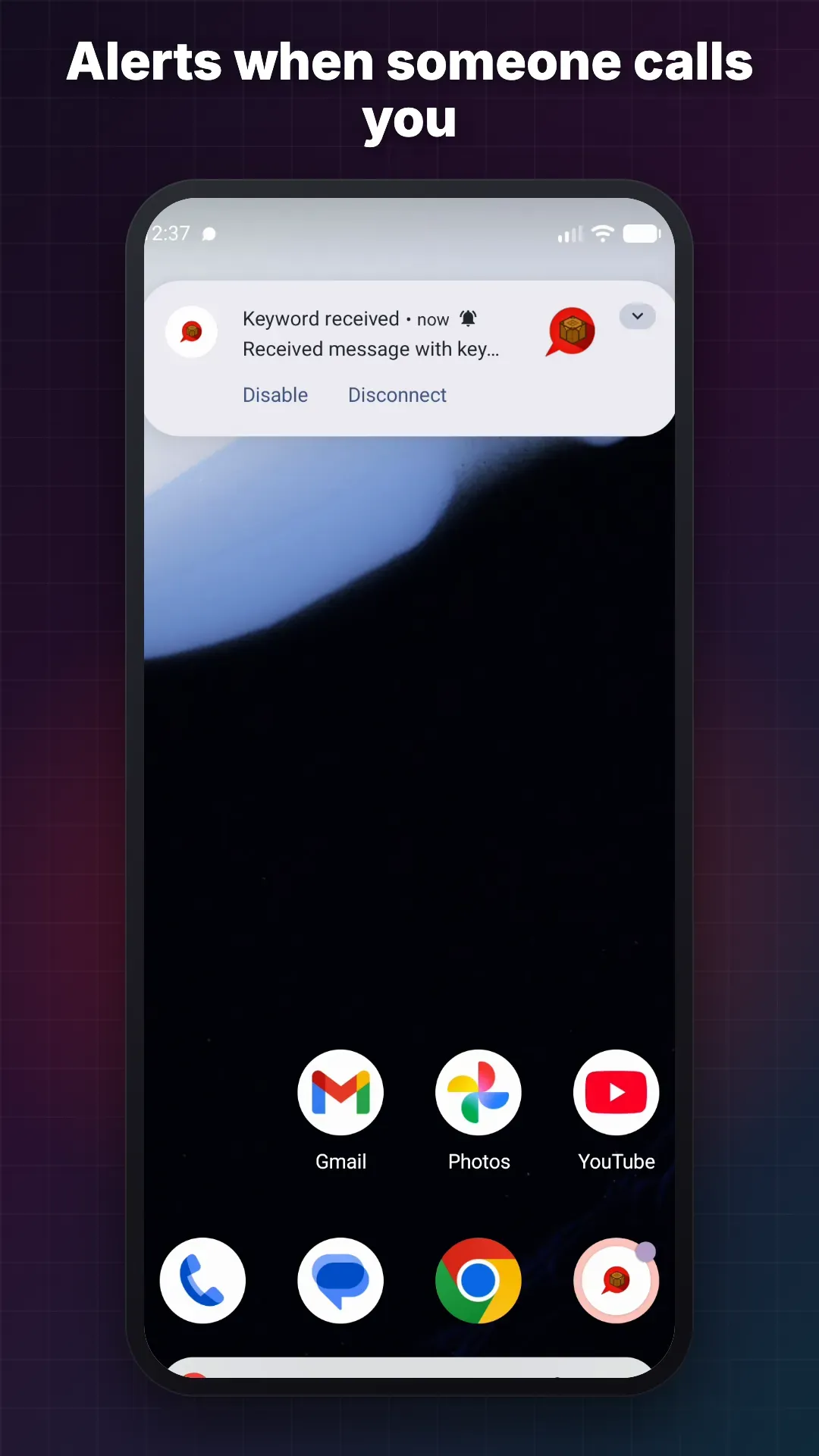
When you turn AFK mode off, ChatCraft restores your previous individual settings. You can also configure Keyword notifications (Pro setting) so you receive a notification even while the app is closed.
iPhone & iPad
On iPhone and iPad, a direct connection stays online while ChatCraft is open on screen. For 24/7 AFK with the app closed or screen locked, pair your phone with ChatCraft Computer.
24/7 with a computer
ChatCraft Computer is a lightweight companion agent that runs on a Windows PC, Mac, Linux machine, Raspberry Pi, NAS, or Docker host.
- Your computer holds the Minecraft Java connection 24/7, even when your phone is locked, offline, or turned off.
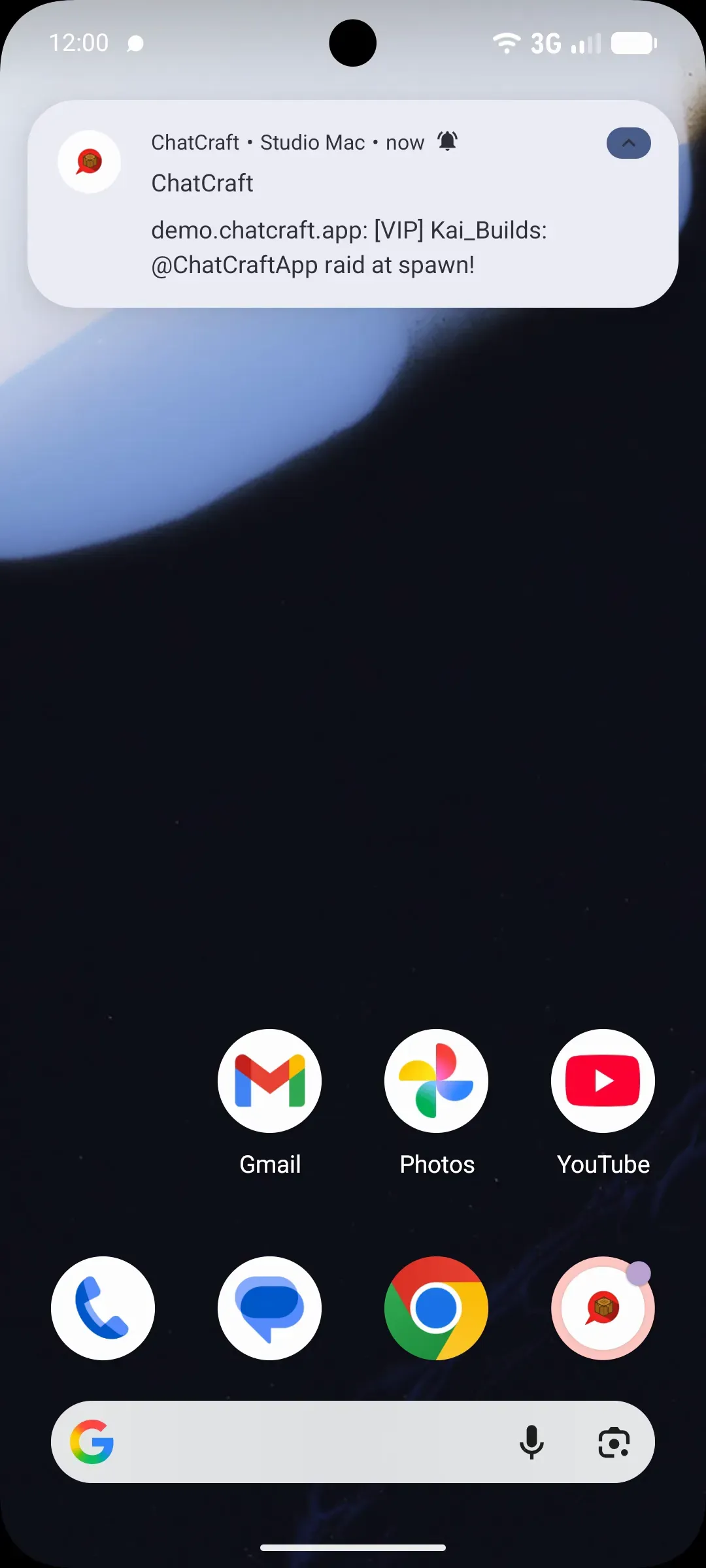
- Your phone acts as an end-to-end encrypted remote control and receives push alerts for disconnects, low health, chat keywords, duplicate logins, or computer offline events.
- Includes a 5-minute free trial per install; ongoing computer sessions require ChatCraft Pro in the mobile app.
Troubleshooting
- Out of memory dialog: Lower Settings > In game settings > Chunk render distance (default is
2). Higher values load more chunks and use much more RAM and mobile data. - Kicked on reconnect: Check if your server requires a login delay or
/logincommand (Auto login and On-connect commands can help if allowed by your server rules). - Still disconnecting? Visit Support to ask in Telegram or Discord, or check the FAQ.