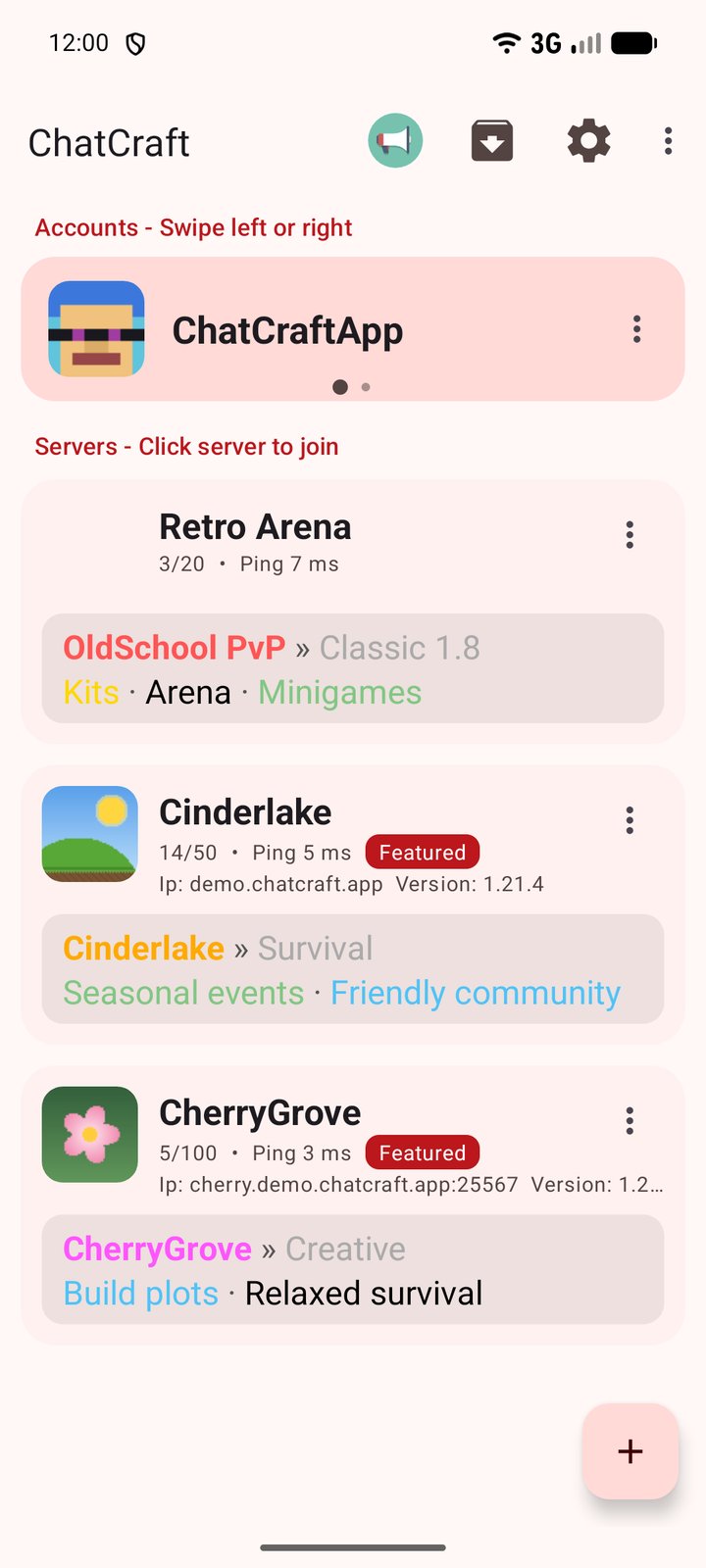
- Free visibility. After a one-time check, your server appears in the app’s server list as Featured, shown to players whose language matches yours.
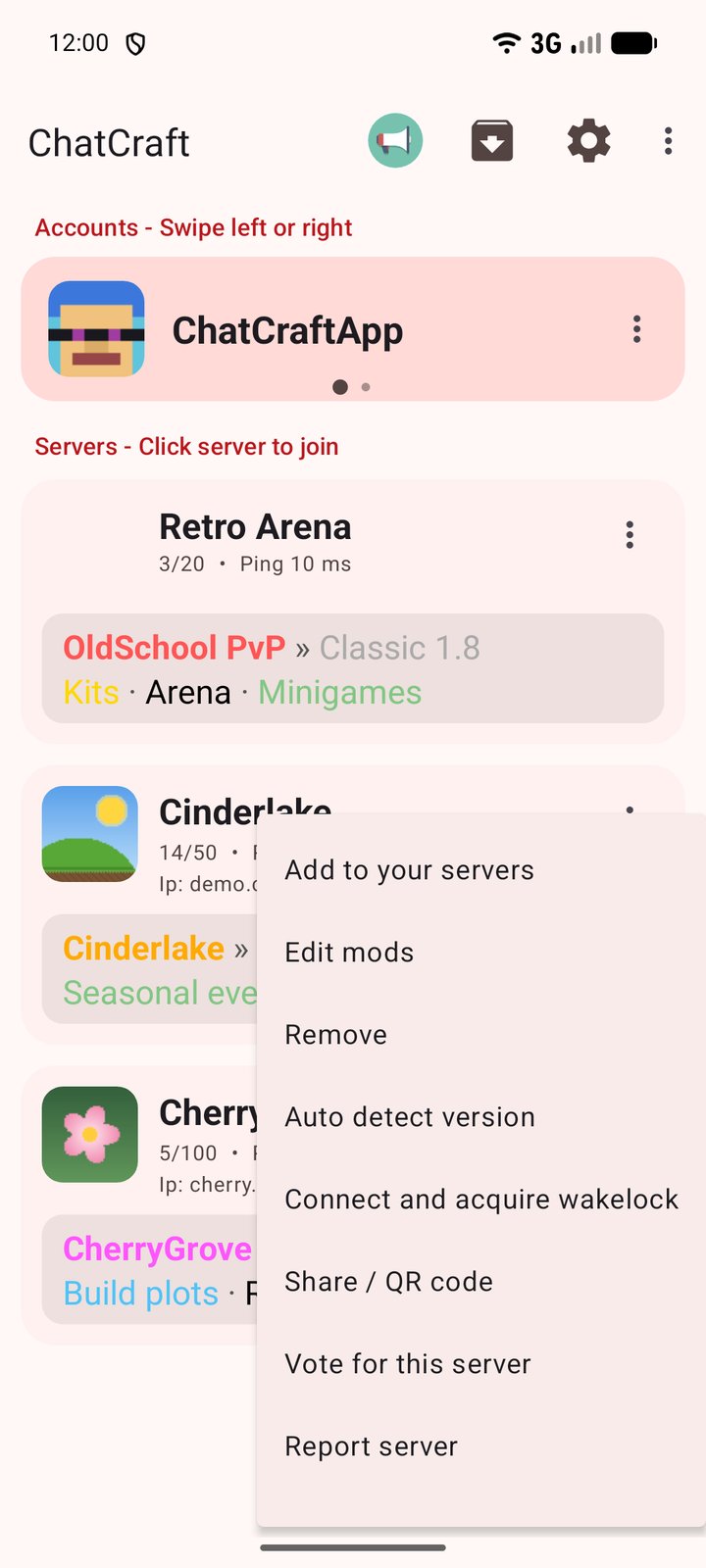
- Easy to join. Players can add your server in one tap, and your vote links show in the app.
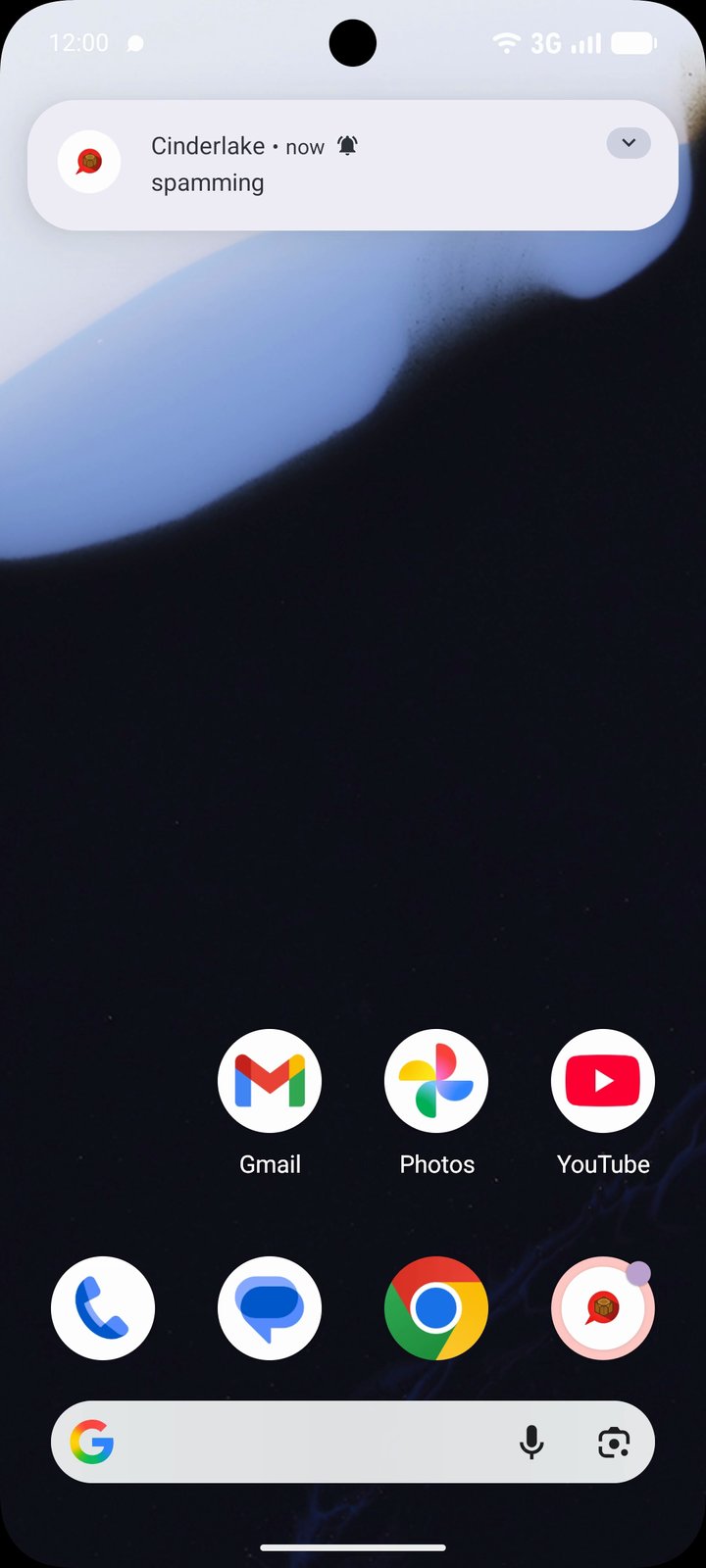
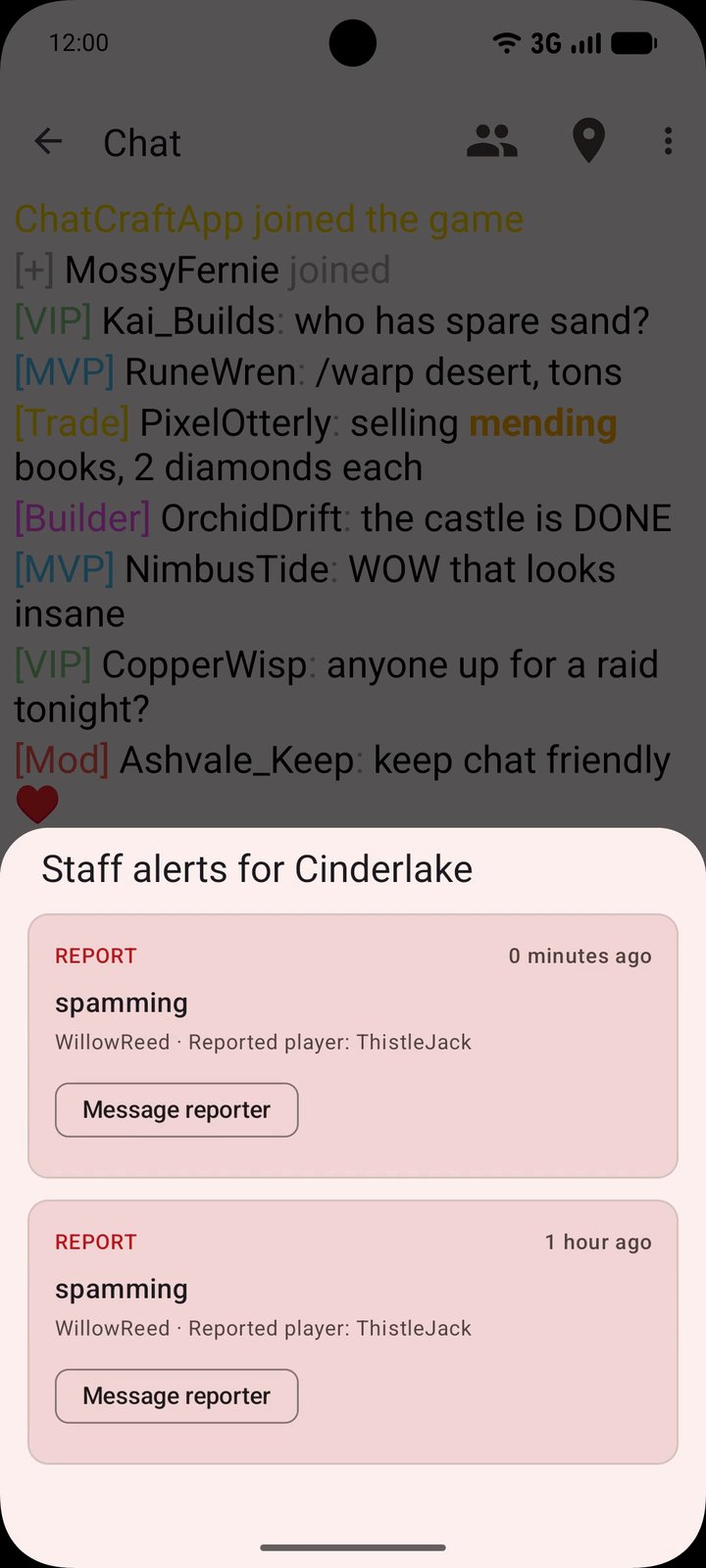
- Staff tools. Alerts from
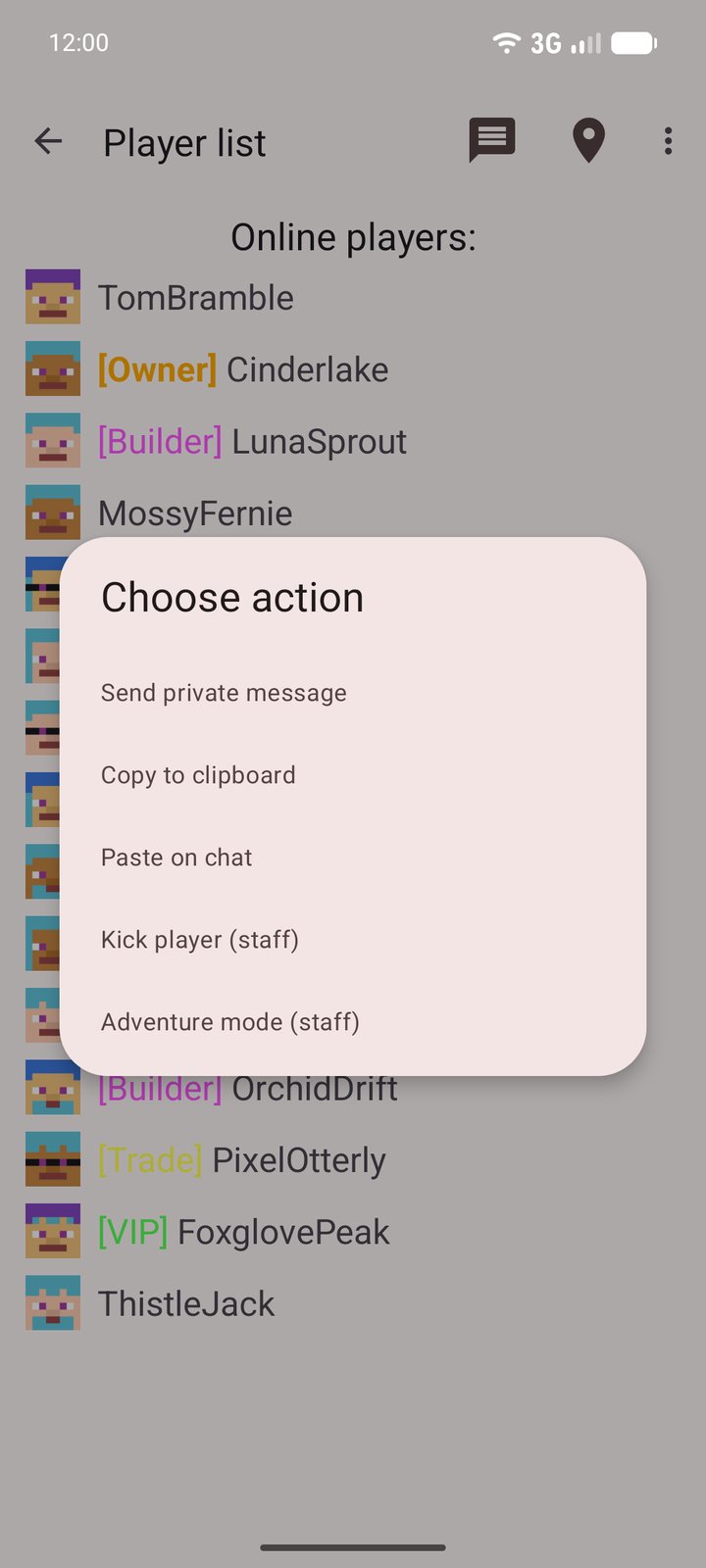
/reportand from your console reach your staff’s phones as encrypted push notifications, with one-tap actions you define (kick, mute, warn) that run with the staff member’s own permissions. - A bonus if you advertise. Servers with the plugin get 25% extra delivery on Sponsored purchases.
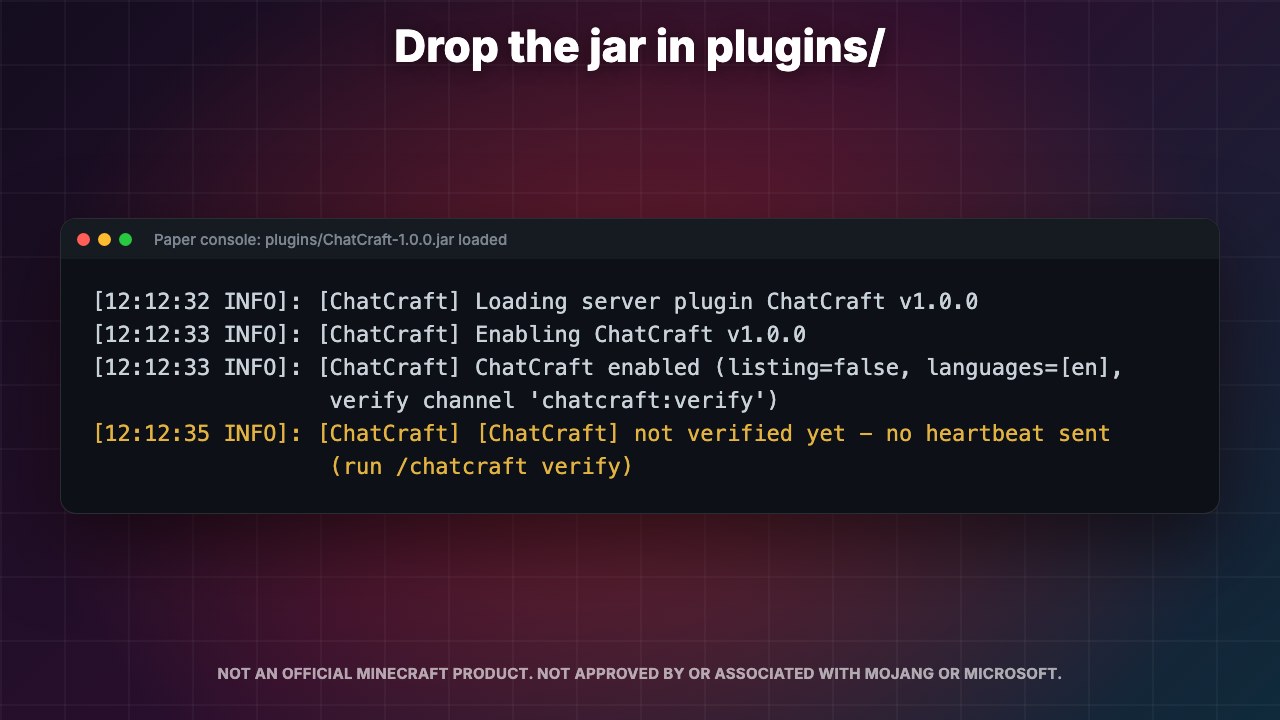
- Download ChatCraft-1.0.0.jar (release page with the SHA-256) and drop it in your
plugins/folder. For Spigot and Paper servers (built against the 1.8.8 API, tested on Paper 1.21.4). - Start the server and run
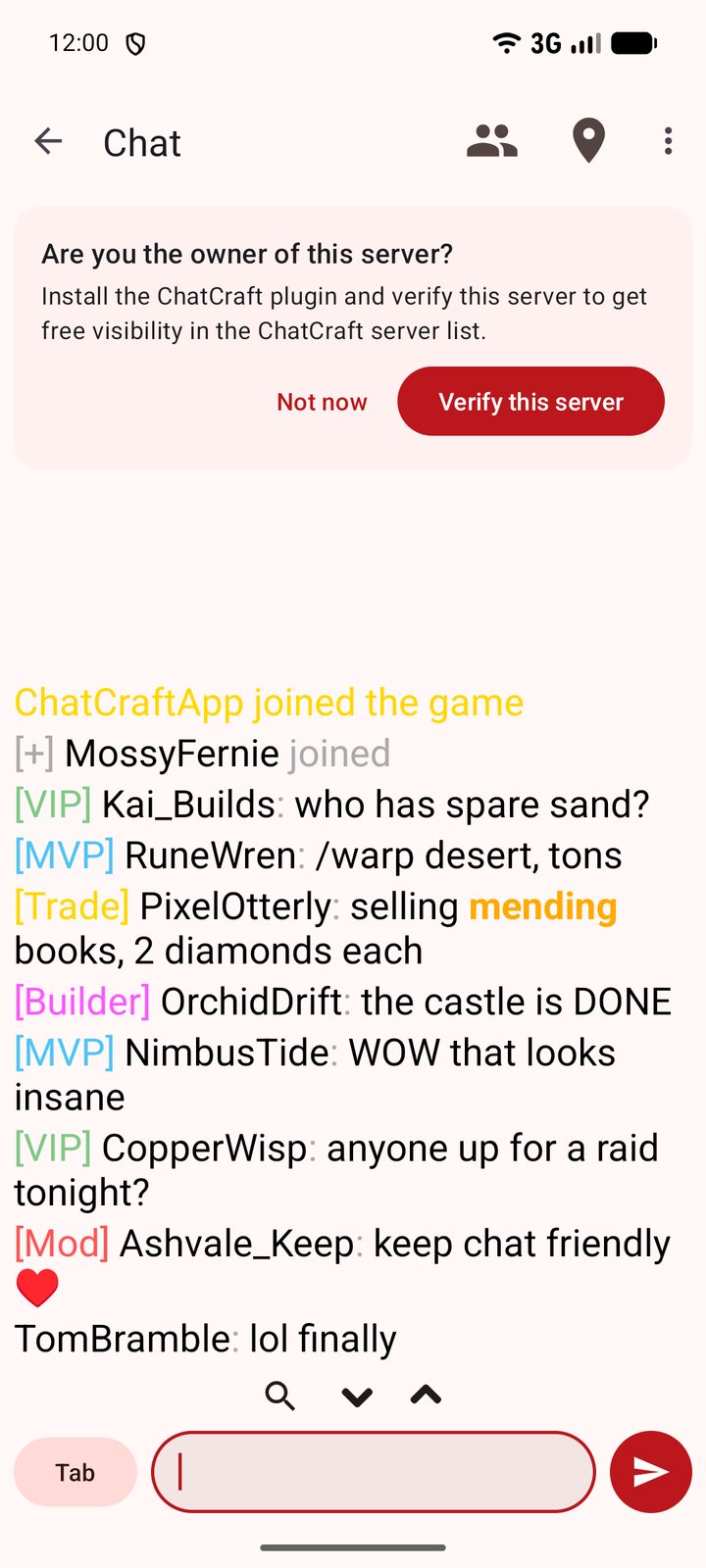
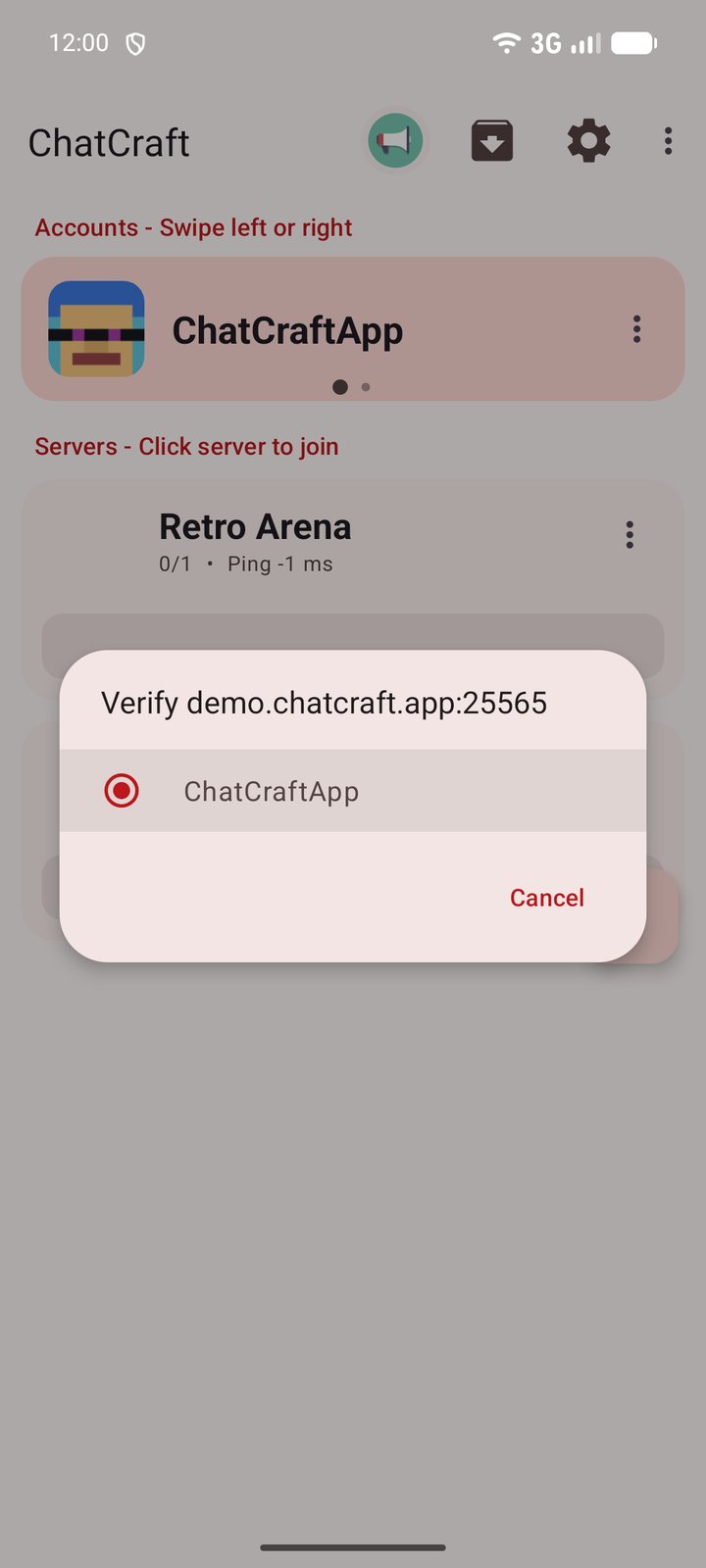
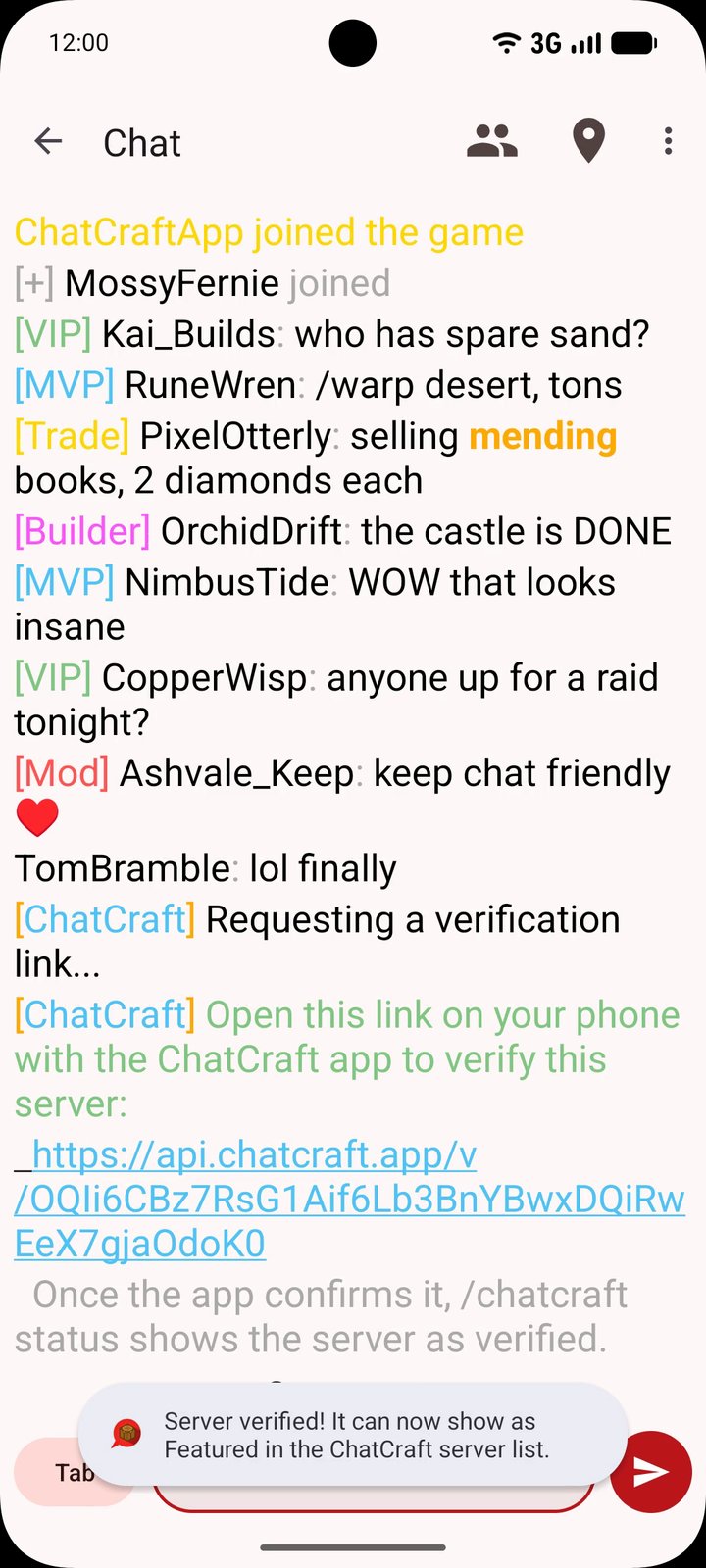
/chatcraft verifyas an operator. - Open the link it prints on a phone with ChatCraft. The app joins your server and confirms you control it. This takes about a minute.
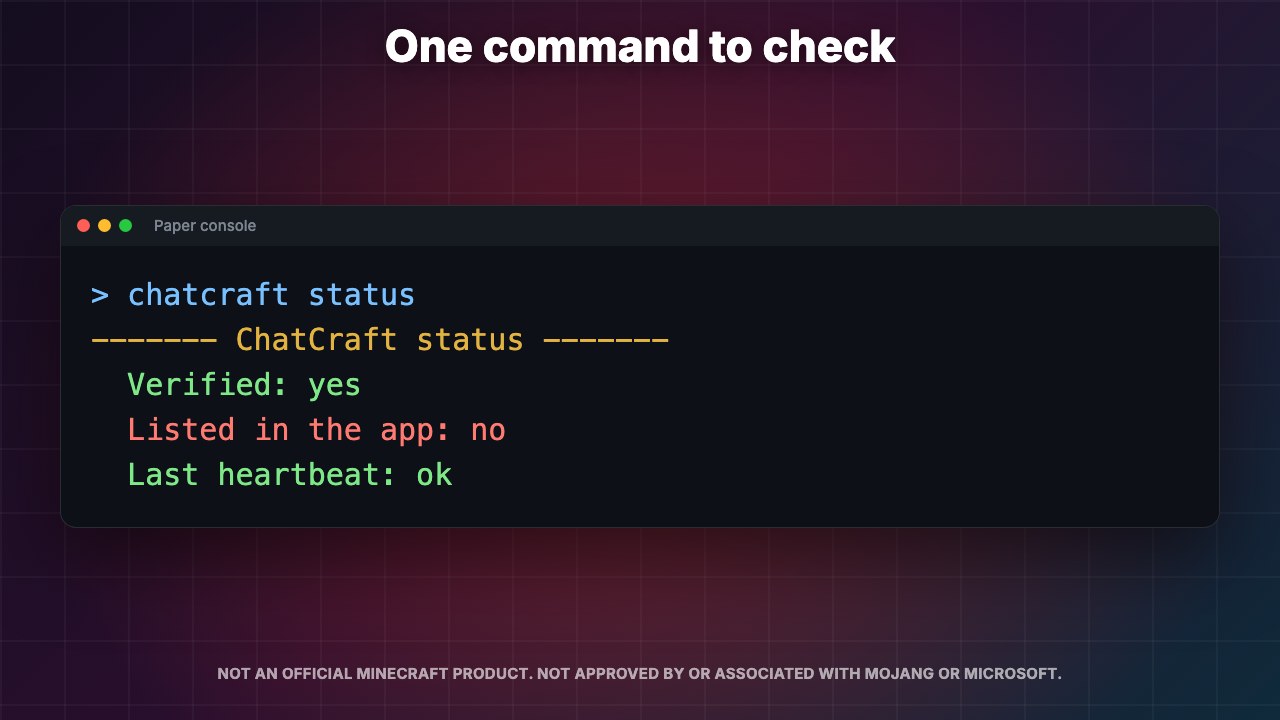
- Done. Check
/chatcraft statusany time. Optional: set your name, languages and vote links inplugins/ChatCraft/config.yml.
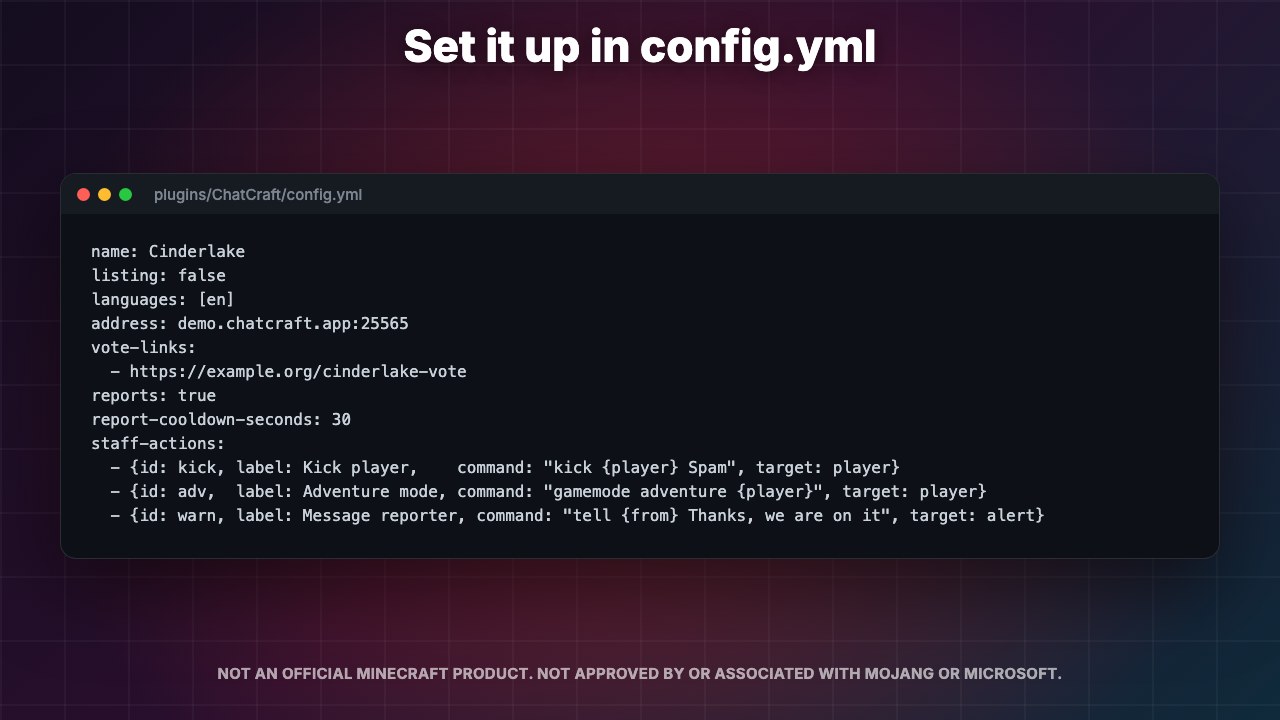
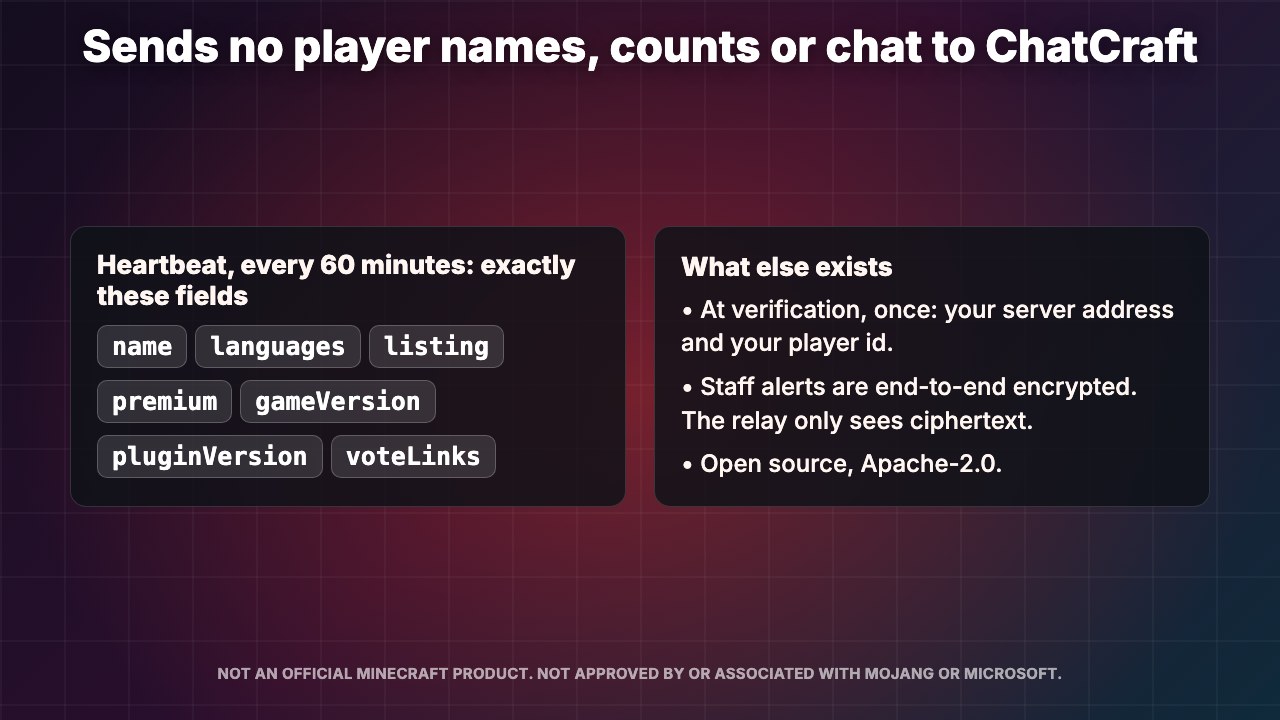
Once an hour it sends your server’s name, languages, listing flag, online mode, game version, plugin version and vote links. Verification sends your address and the operator’s player UUID once. It never sends player names, player counts or chat. The plugin is open source under Apache-2.0, so you can read exactly what it does: https://github.com/MatteCarra/ChatCraftPlugin/tree/main.
Give your moderators the chatcraft.staff permission. Each one runs /chatcraft staff, opens the link on their phone, and from then on gets alerts for every /report and every /chatcraft alert <text>. Actions you define in config.yml run as the staff member, so your permission setup always applies. Built for server staff. Staff alerts have been tested with the ChatCraft app for Android.