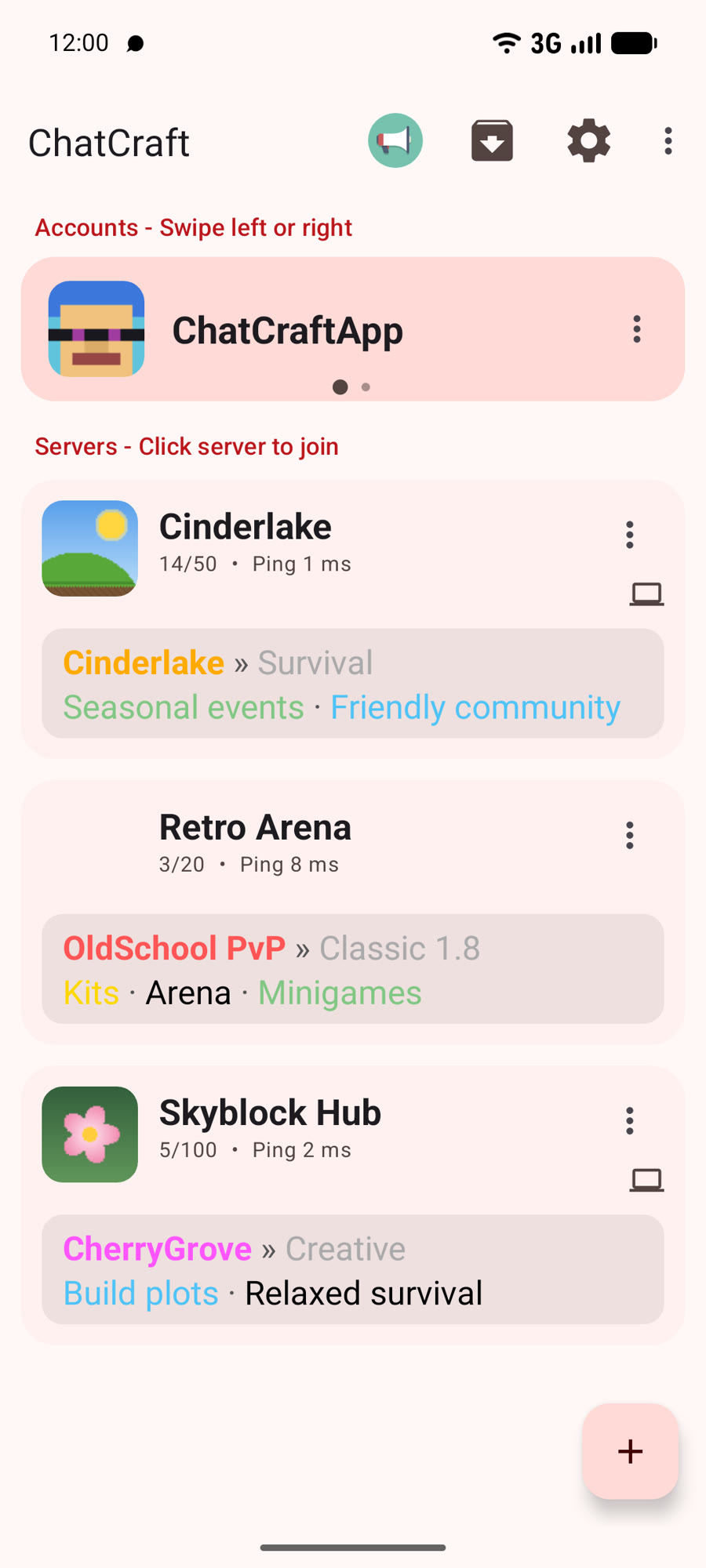
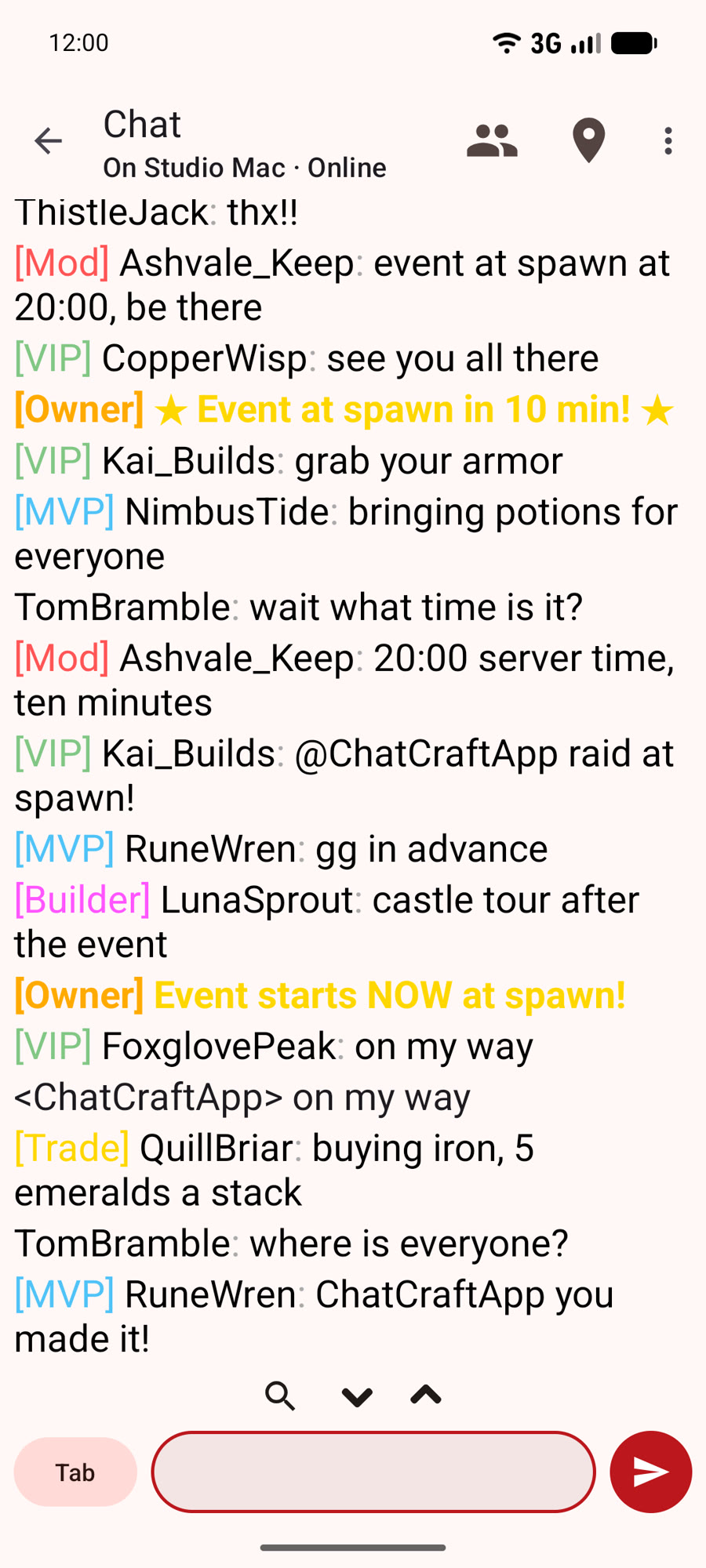
Chat with your friends on Minecraft servers wherever you are from your phone!
ChatCraft Computer
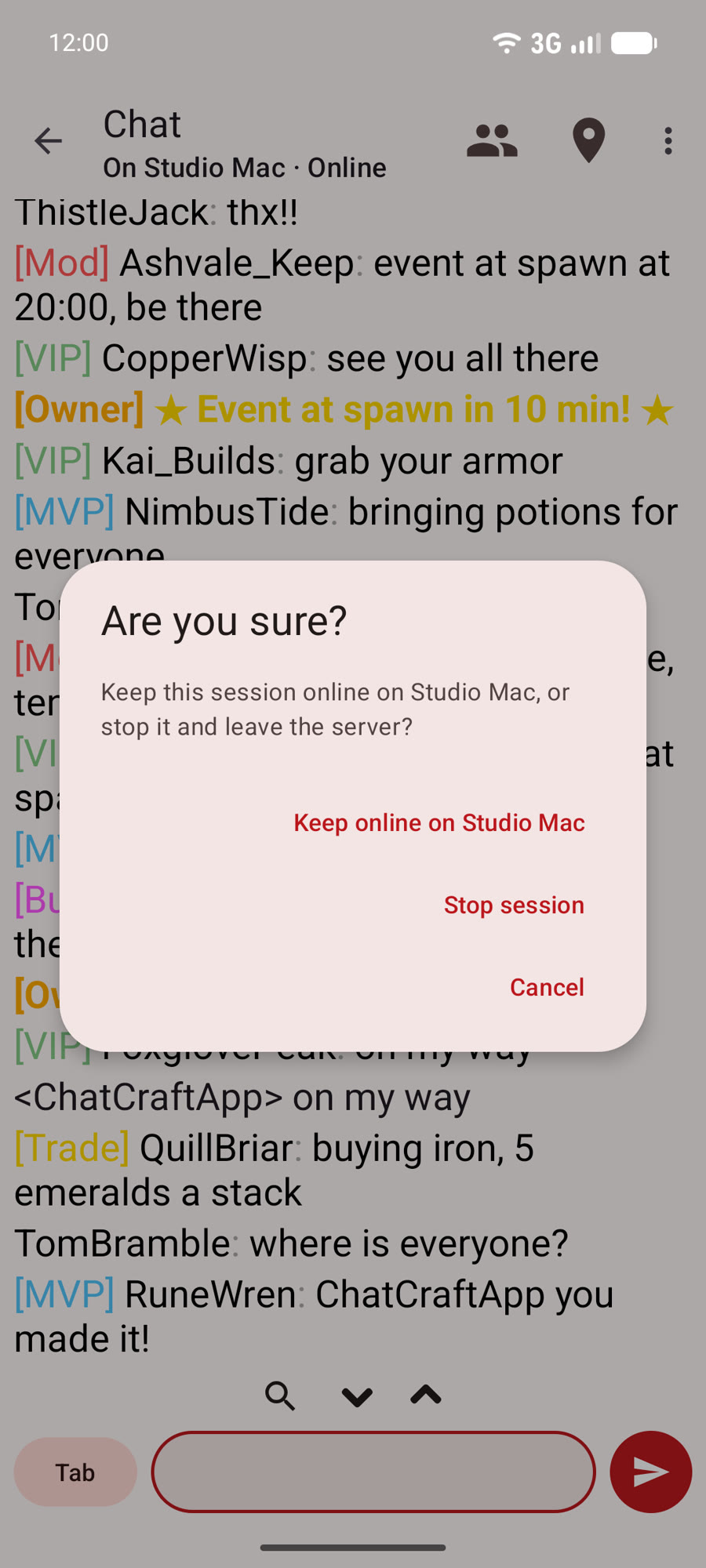
Stay online while your phone sleeps
ChatCraft Computer keeps your Minecraft session connected from a PC, Mac, Raspberry Pi, NAS or Docker. Your phone shows what you missed and alerts you when something happens.
Install ChatCraft on your phone (Android or iPhone).
Install ChatCraft Computer on a machine that stays on. It shows a QR code.
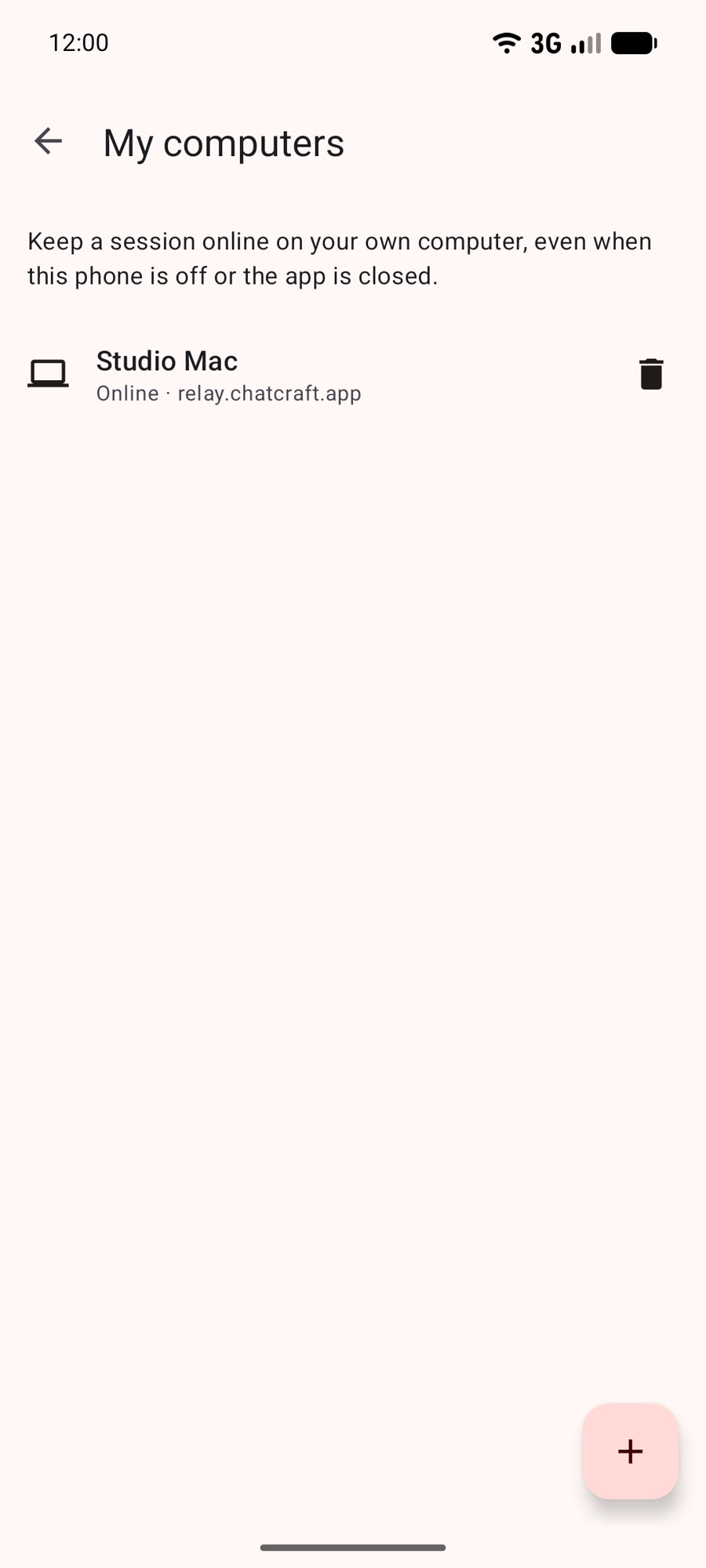
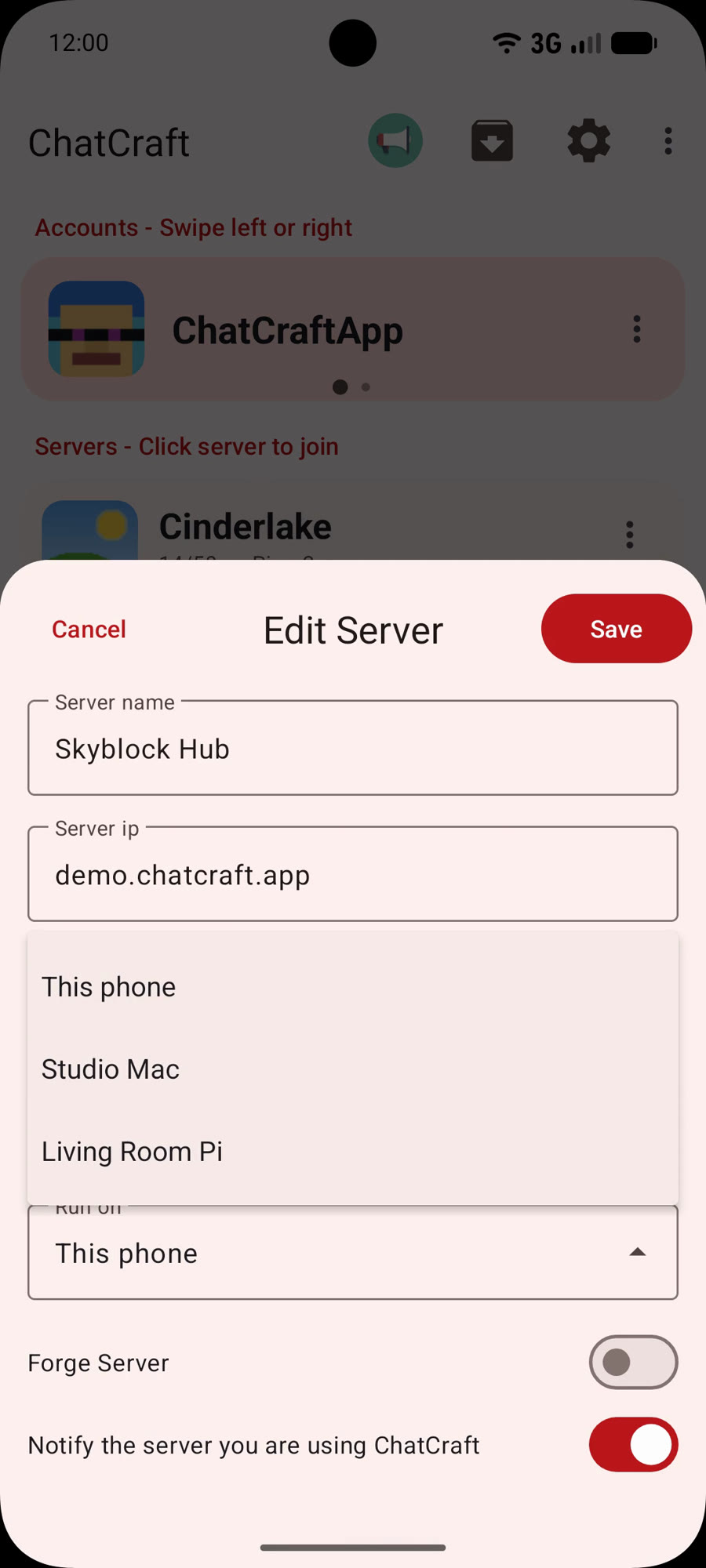
In ChatCraft open My computers, scan the code, then set a server to Run on that computer.
Close the app, lock the phone, go offline: the session stays connected.
What you get
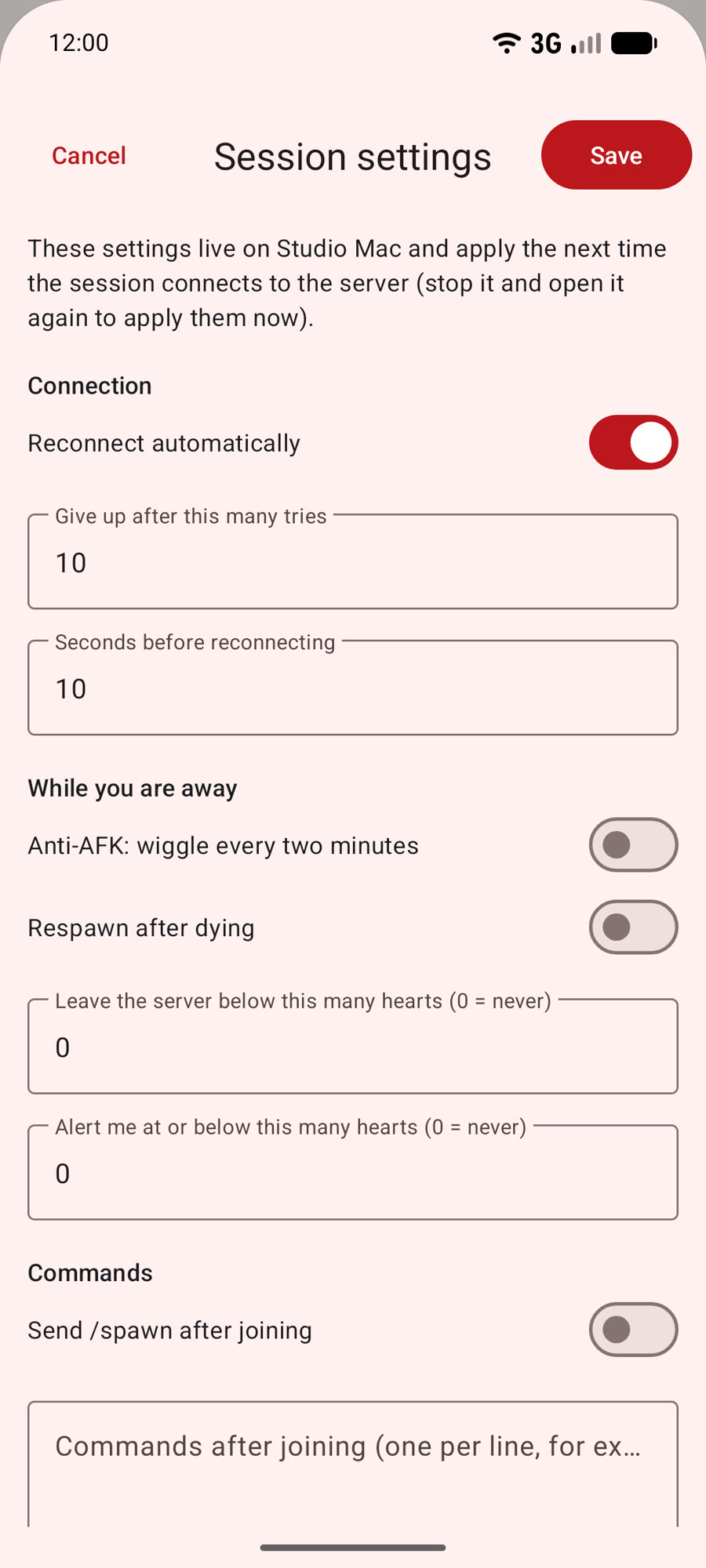
Always connected. Reconnects on its own and keeps your place on the server.
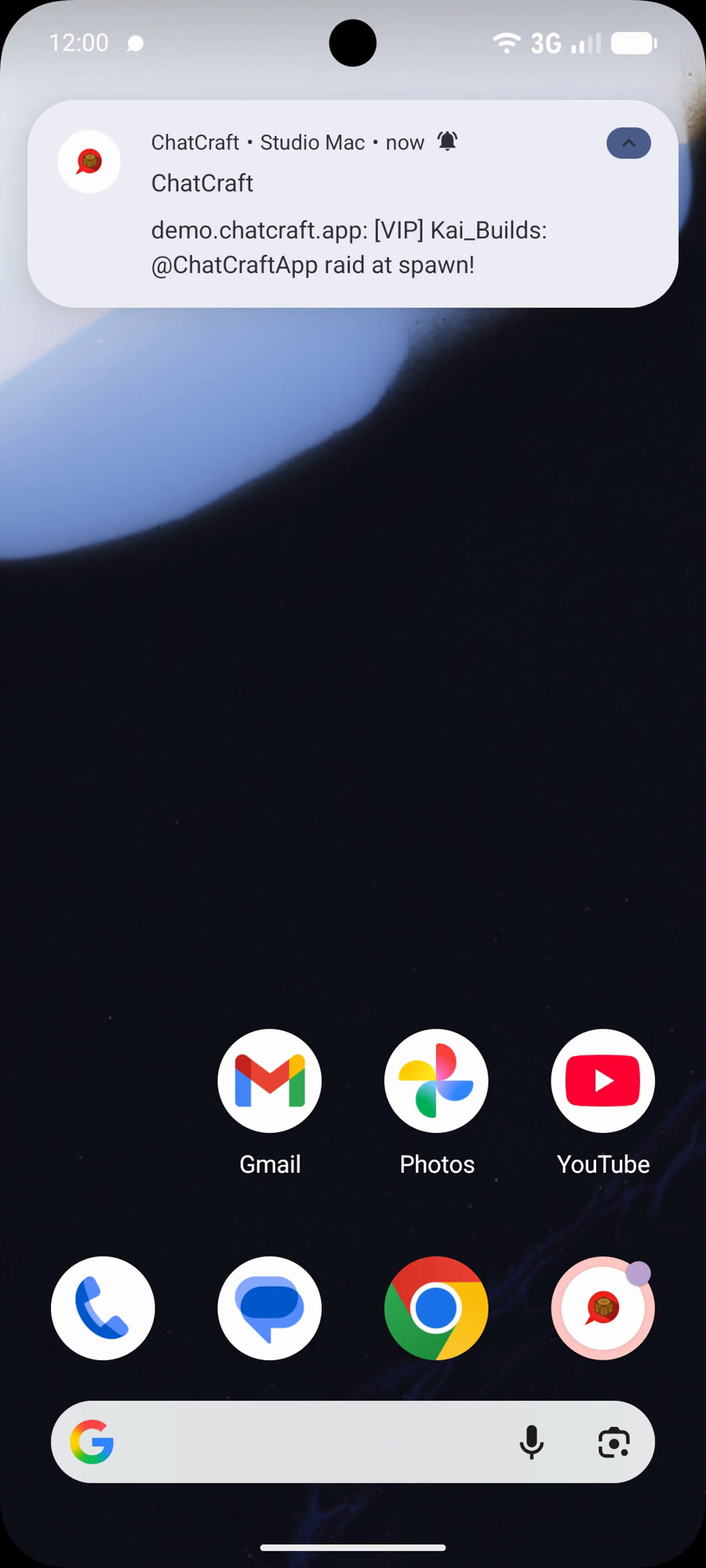
Alerts on your phone. Disconnected, low health, a keyword in chat, or the computer going offline.
Catch up. Your phone shows the chat you missed and can send messages and commands.
Private by design. Everything between phone and computer is end to end encrypted; the relay in the middle only forwards ciphertext. Your Microsoft sign-in stays on your computer. Chat history lives only on your computer and phone.
docker run -d --name chatcraft --restart unless-stopped -v chatcraft-data:/data -p 127.0.0.1:7877:7877 mattecarra/chatcraft:latest then open the address from docker logs
Pricing
Free to try for 5 minutes of connected time. After that it needs ChatCraft Pro, bought in the ChatCraft app.
FAQ
Do I need the phone app? Yes. ChatCraft Computer does nothing on its own.
Is my account safe? The sign-in stays on your computer. ChatCraft’s servers never see your Microsoft token or your chat.
Does it work with any Minecraft server? Java Edition servers, the same as the app.
Is it affiliated with Mojang or Microsoft? No. Not affiliated with Mojang or Microsoft. Minecraft is a trademark of Mojang Synergies AB.